
Table of Contents
Support Guide
Build Custom Experiences with Shape Custom UI
-
Shape Software
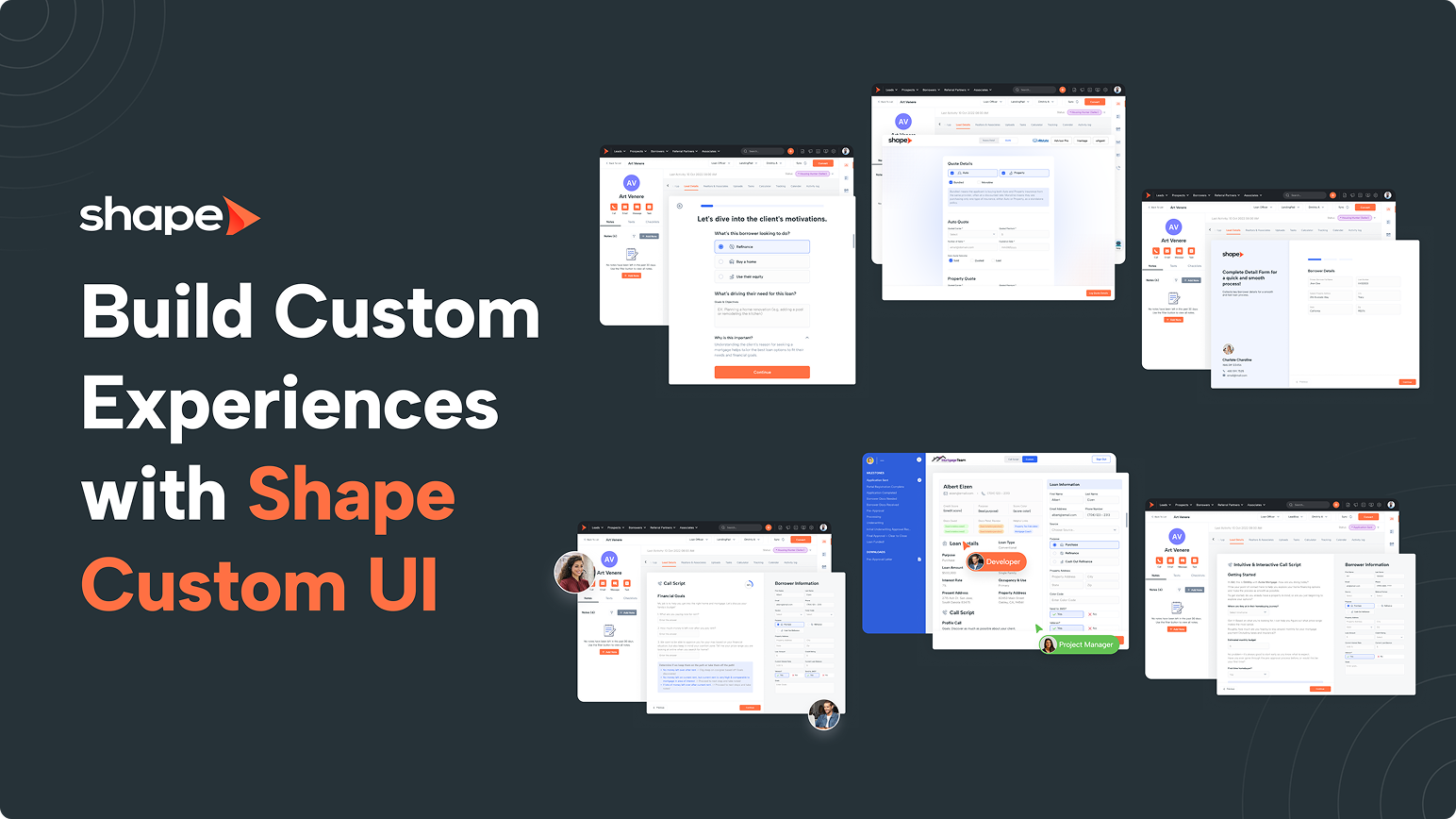
Learn how Shape Custom UI allows administrators to build custom record tabs, dashboards, reports, and embedded applications using custom forms or iframe-compatible tools.
Build Custom Experiences with Shape Custom UI
Every organization works a little differently.
Some rely on internal tools, others use third-party platforms, and many have workflows that don't fit neatly into a standard CRM.
Shape Custom UI allows your organization to extend Shape by creating custom interfaces directly inside the CRM. Instead of requiring users to jump between browser tabs and applications, administrators can surface the tools, information, and workflows your team uses every day directly within Shape.
Custom UI can be used to:
- Build custom record tabs.
- Create simplified data entry screens.
- Embed compatible third-party applications.
- Display training resources.
- Surface business dashboards.
- Create custom reports.
- Build industry-specific workflows.
The result is a cleaner, more efficient experience that keeps users working from a single platform.
Two Types of Custom UI
Shape supports two primary types of Custom UI.
Custom Forms
Custom Forms allow Shape to display a completely customized layout using existing Shape fields and custom fields.
Rather than relying on the standard record layout, you can organize information in whatever way makes the most sense for your users.
For example, instead of displaying dozens of fields in one long page, you might organize them into sections
such as:
- Borrower Information
- Property Details
- Insurance Information
- Loan Details
- Internal Checklist
- Closing Information
These pages still interact with Shape data while providing a cleaner, more purpose-built interface.
Embedded Applications (iFrame)
Shape also supports embedding compatible third-party applications using an iframe.
This allows users to access external tools without leaving Shape.
Popular examples include:
- Calendly scheduling pages
- Loan calculators
- Handwrytten
- QR code generators
- Internal knowledge bases
- Training videos
- Interactive call scripts
- Vendor portals
- Internal company websites
Any website that supports iframe embedding can generally be displayed inside Shape.
Note: Whether a website can be embedded is determined by the external provider. Some websites intentionally block iframe embedding for security reasons and cannot be displayed within Shape.
Where Can Custom UI Be Used?
Custom UI isn't limited to customer records.
Depending on your organization's needs, Custom UI can be added to several areas throughout Shape.
Record Detail Tabs
The most common implementation is adding custom tabs directly inside customer records.
These tabs provide users with additional tools and information while viewing a customer.
Examples include:
- Mortgage calculators
- Insurance quoting tools
- Custom data entry forms
- Interactive call guides
- Compliance checklists
Dashboards
Organizations can also add Custom UI components to dashboards.
This allows administrators to surface business intelligence, internal resources, or embedded applications directly on the dashboard users see every day.
Reports
Custom UI can also be incorporated into reporting areas for organizations that need specialized reporting experiences or embedded reporting tools.
Common Use Cases
Organizations use Shape Custom UI in many different ways depending on their industry and workflow.
Mortgage
- Loan calculators
- Product comparison tools
- Internal underwriting checklists
- Pricing engines
- Disclosure resources
- Training materials
Insurance
- Carrier portals
- Coverage comparison tools
- Claims resources
- Underwriting checklists
- Policy reference guides
General Business
- Calendly scheduling
- QR code generators
- Training videos
- Knowledge bases
- Interactive call scripts
- Vendor portals
- Internal websites
The flexibility of Custom UI allows each organization to create an experience tailored to its users without changing Shape's underlying functionality.
Building Custom Forms
One of the most powerful uses of Custom UI is creating completely customized record layouts.
Rather than displaying every field in the default arrangement, administrators can design interfaces around their team's workflow.
Custom Forms support:
- Native Shape fields
- Custom fields
- Custom layouts
- Grouped sections
- Simplified workflows
This allows organizations to present only the information users need while reducing clutter and improving usability.
Note: Some specialized native controls, such as the Referral Partner Lookup field, rely on functionality that is unique to Shape's standard interface and are not currently supported within Custom UI forms.
Requesting a Custom UI
Because Custom UI can significantly change the user experience, these pages are created by Shape Account Administrators in coordination with Shape Support.
If your organization would like to implement a Custom UI experience, contact your Shape Account Manager or Shape Support to discuss your requirements.
During implementation, we'll help determine the best approach based on your workflow, whether that's a custom form, an embedded application, or a combination of both.
Best Practices
- Design layouts around your users' workflow rather than recreating the default record layout.
- Group related information together to reduce scrolling and improve usability.
- Use embedded applications for tools users access frequently.
- Keep embedded pages responsive and optimized for the available space.
- Test third-party websites before planning an implementation, as not every website allows iframe embedding.
- Whenever possible, keep users inside Shape rather than requiring them to switch between multiple browser tabs.
Frequently Asked Questions
Who can create Custom UI pages?
Custom UI pages are created by Shape Account Administrators in coordination with Shape Support.
Can I create my own Custom UI pages?
Not currently. Custom UI implementations are designed with the assistance of Shape Support to ensure compatibility and maintain the best user experience.
Can I embed any website?
Only websites that permit iframe embedding can be displayed within Shape. Some third-party providers block embedding for security reasons, which prevents them from loading inside an iframe.
Can I combine custom forms and embedded applications?
Yes. Organizations often use multiple Custom UI tabs within the same record, combining custom forms and embedded applications to support different workflows.
Can Custom UI be used outside of records?
Yes. In addition to record detail tabs, Custom UI can also be implemented within dashboards and reporting areas.
Does Custom UI replace standard Shape functionality?
No. Custom UI is designed to enhance and extend Shape. Your standard record pages, fields, and functionality remain available unless your implementation is specifically designed otherwise.
Keywords: