.. What can we help you with?

Search here to get answers to your question.

Getting Started

Hero banner showing the message:
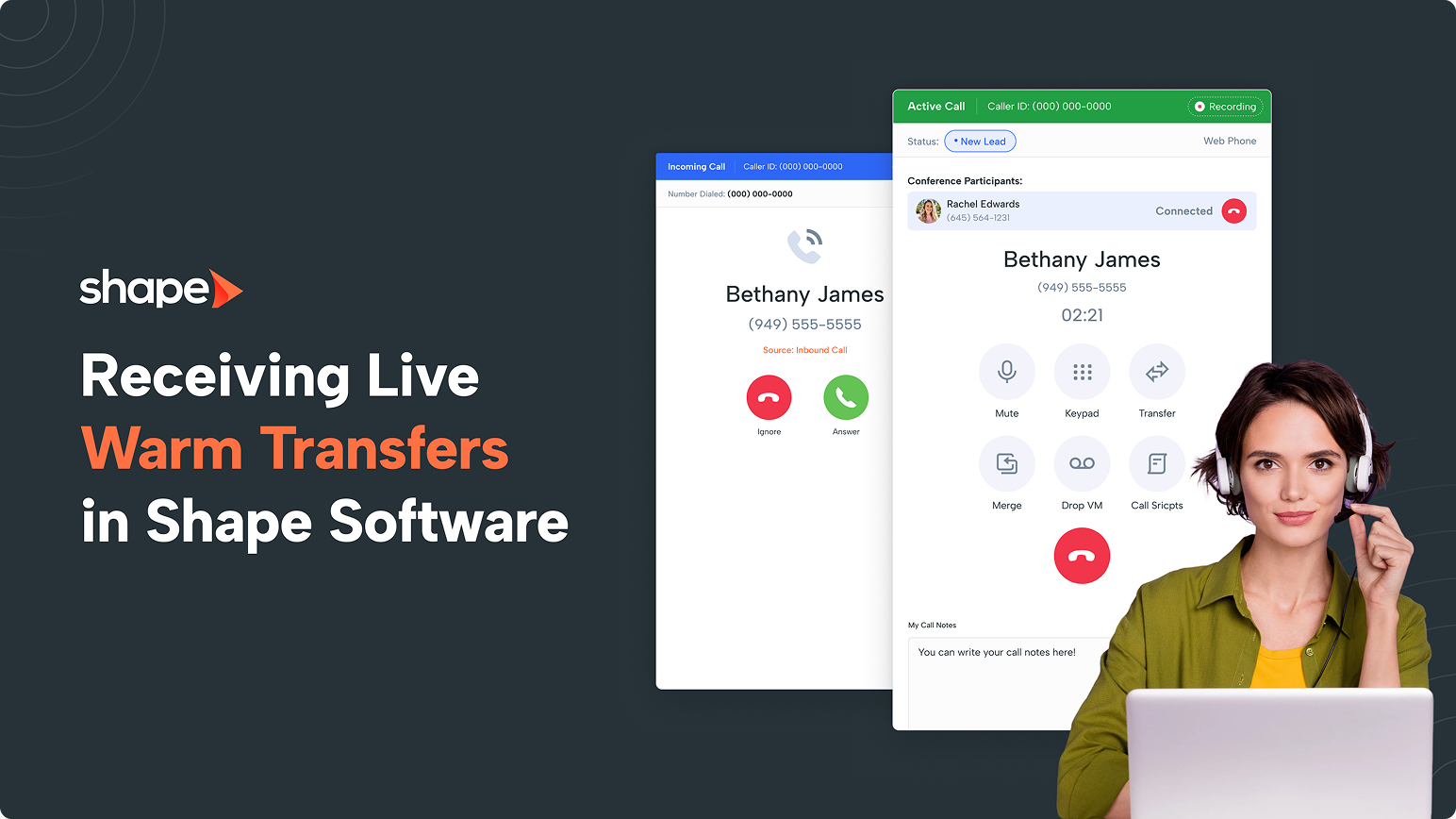
Shape brand hero: dark background, left-aligned text 'Receiving Live Warm Transfers in Shape Software' with logo and a smiling woman in headset on the right, showcasing software UI screenshots.
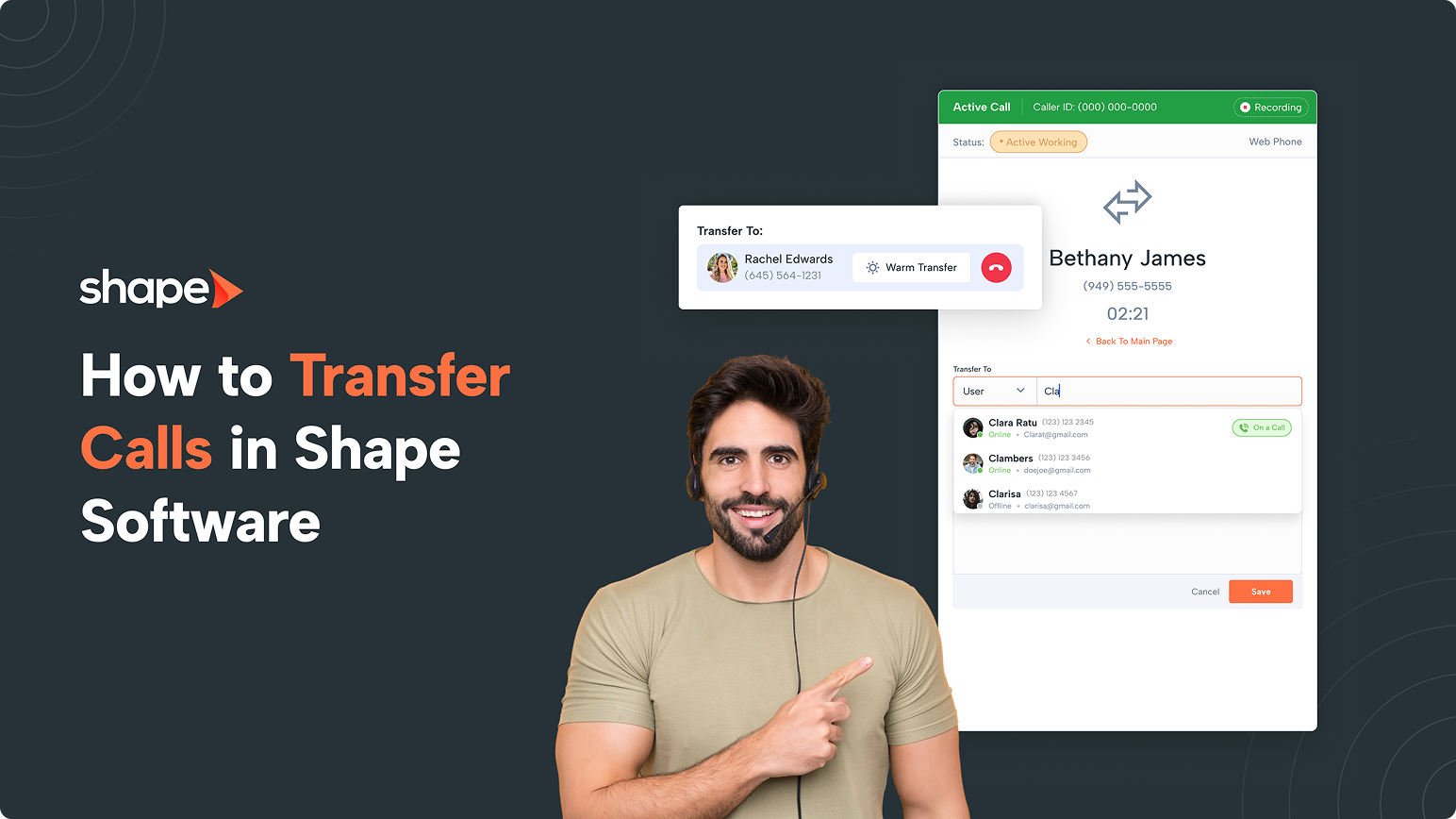
Hero image with Shape logo and the title 'How to Transfer Calls in Shape Software' on a dark background; a headset-wearing man in the foreground and a right-side transfer UI mockup.
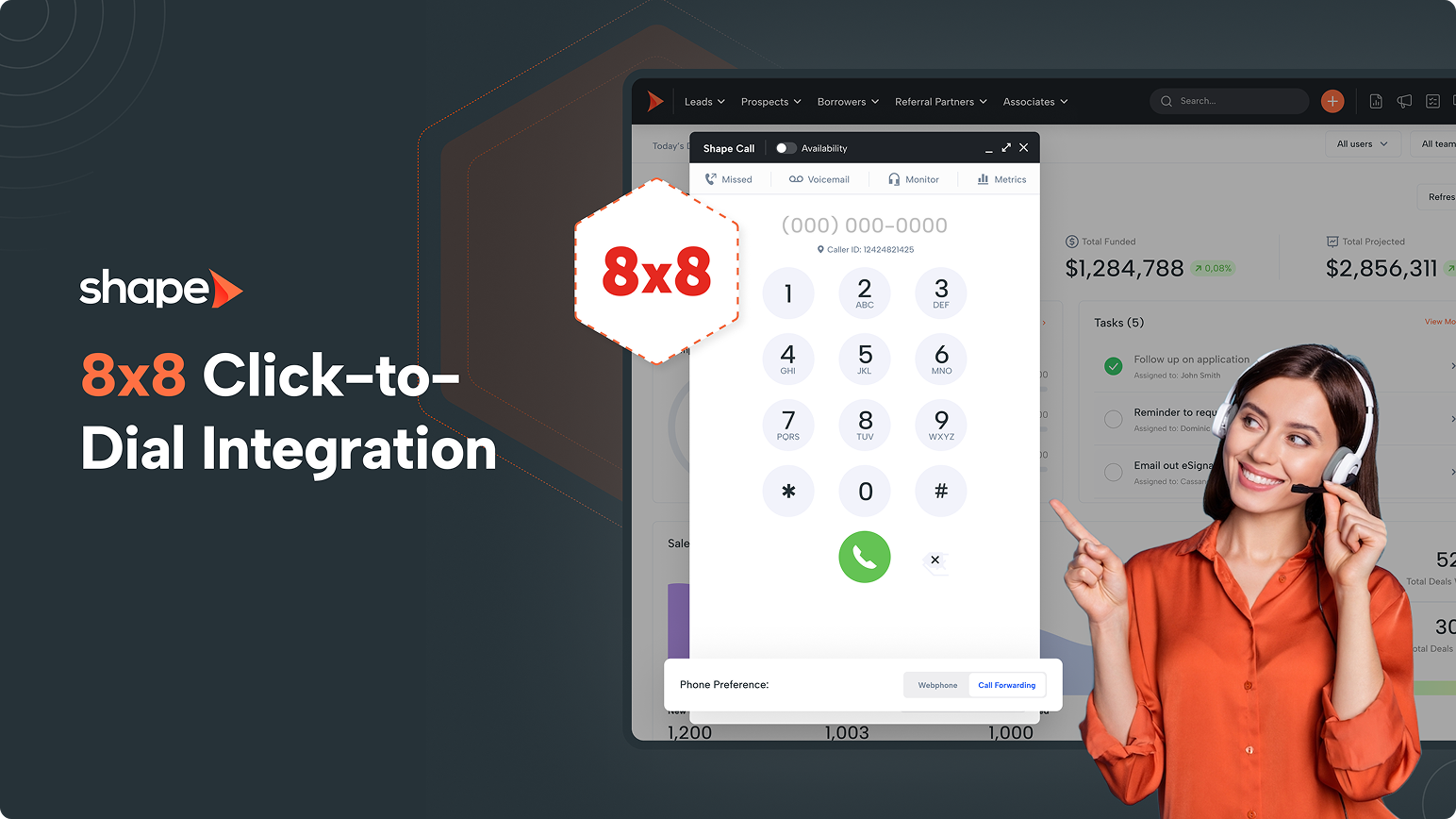
Shape 8x8 click-to-dial integration promotional banner with a phone keypad overlay and a support agent wearing a headset on the right.
Hero banner: Shape Software promo with bold orange title and overlapped dashboard screens on the right, set on a dark background.
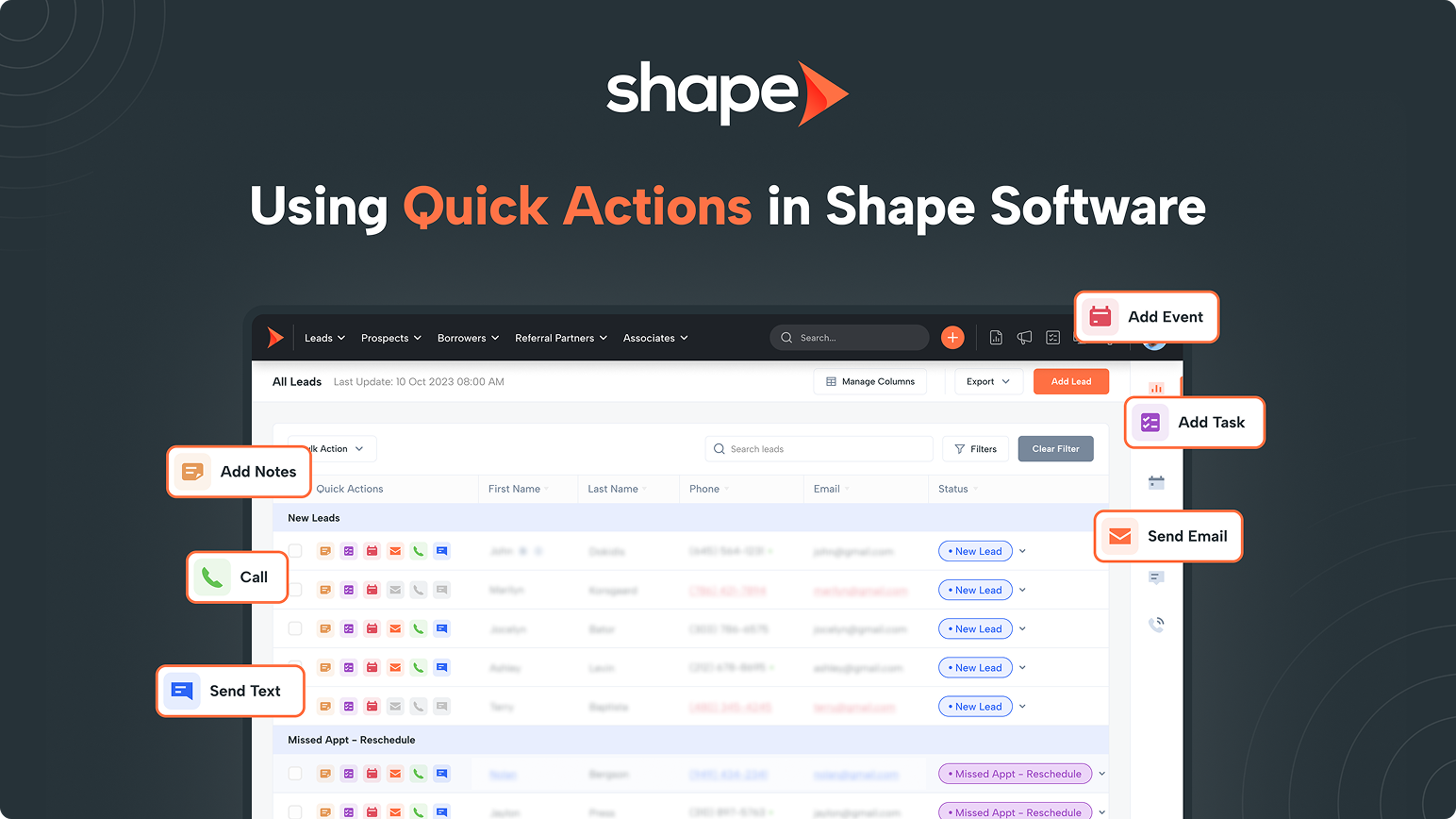
Hero header for Shape Software showing 'Using Quick Actions' with a CRM screenshot and callouts: Add Event, Add Task, Send Email, Call, Send Text, Add Notes.
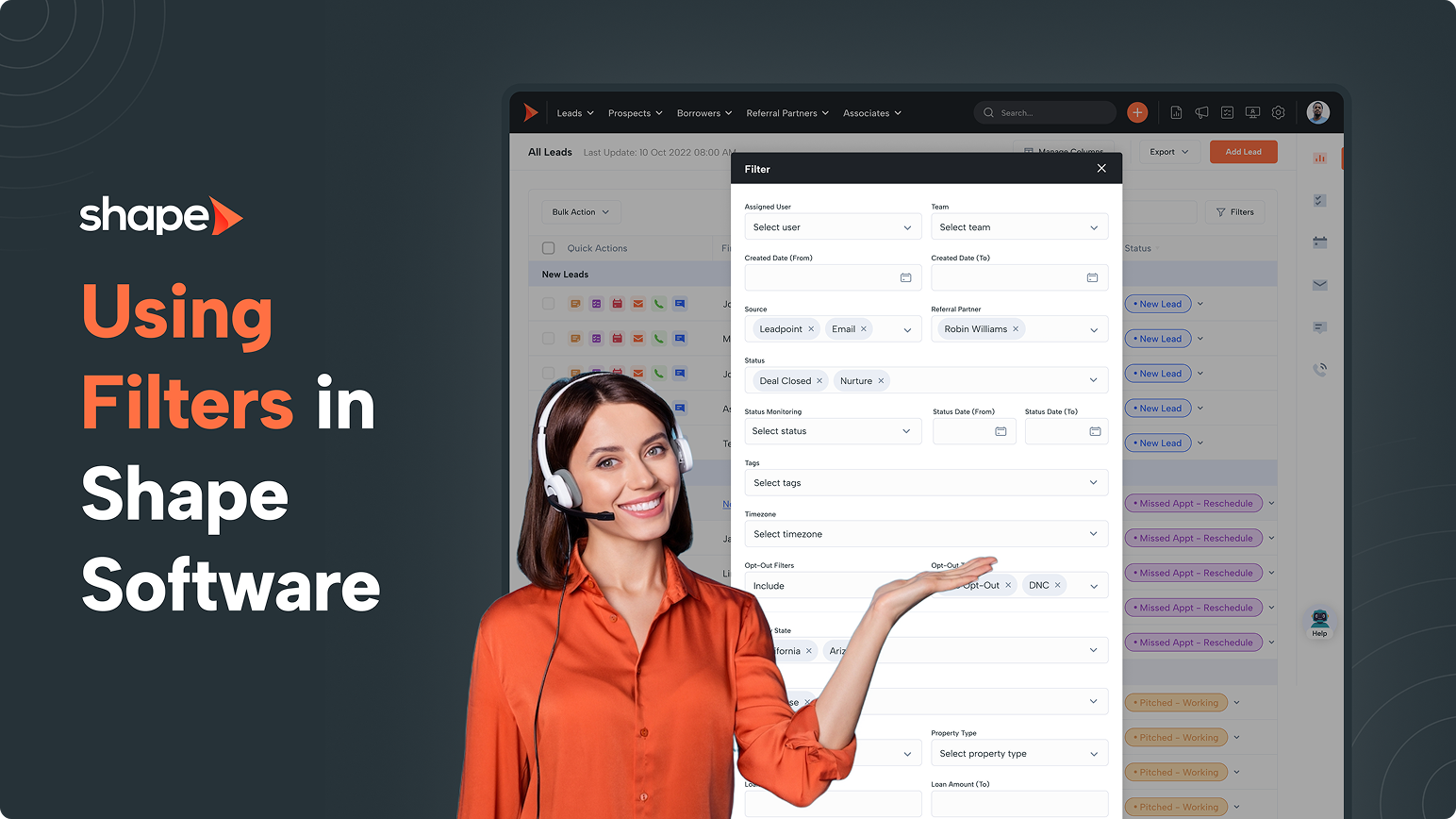
Using filters in Shape Software: hero image with a smiling woman in headset presenting a filter panel over a dark UI background
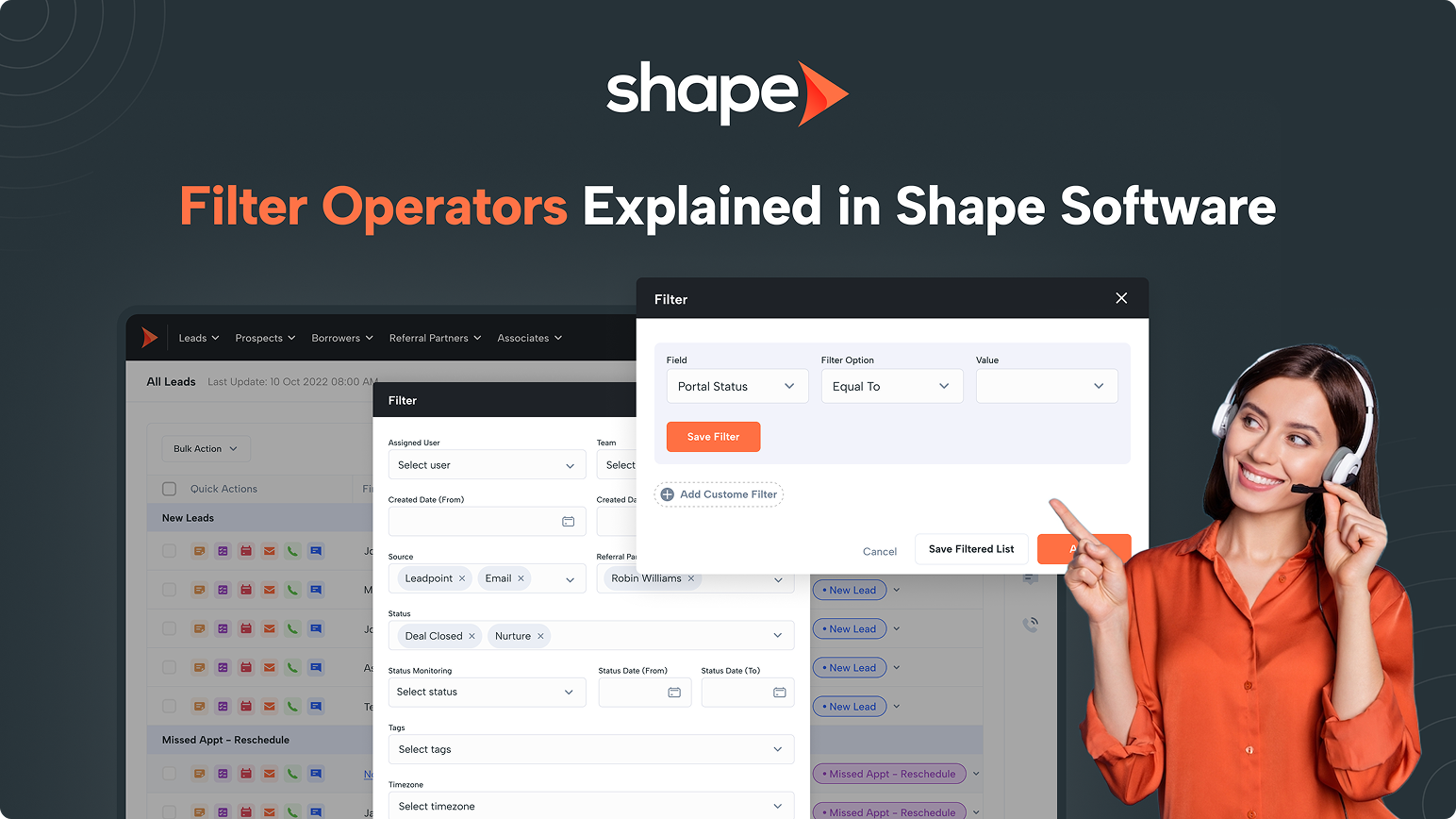
Shape Software hero: 'Filter Operators Explained in Shape Software' with a smiling headset-wearing presenter beside screenshots of the software UI.
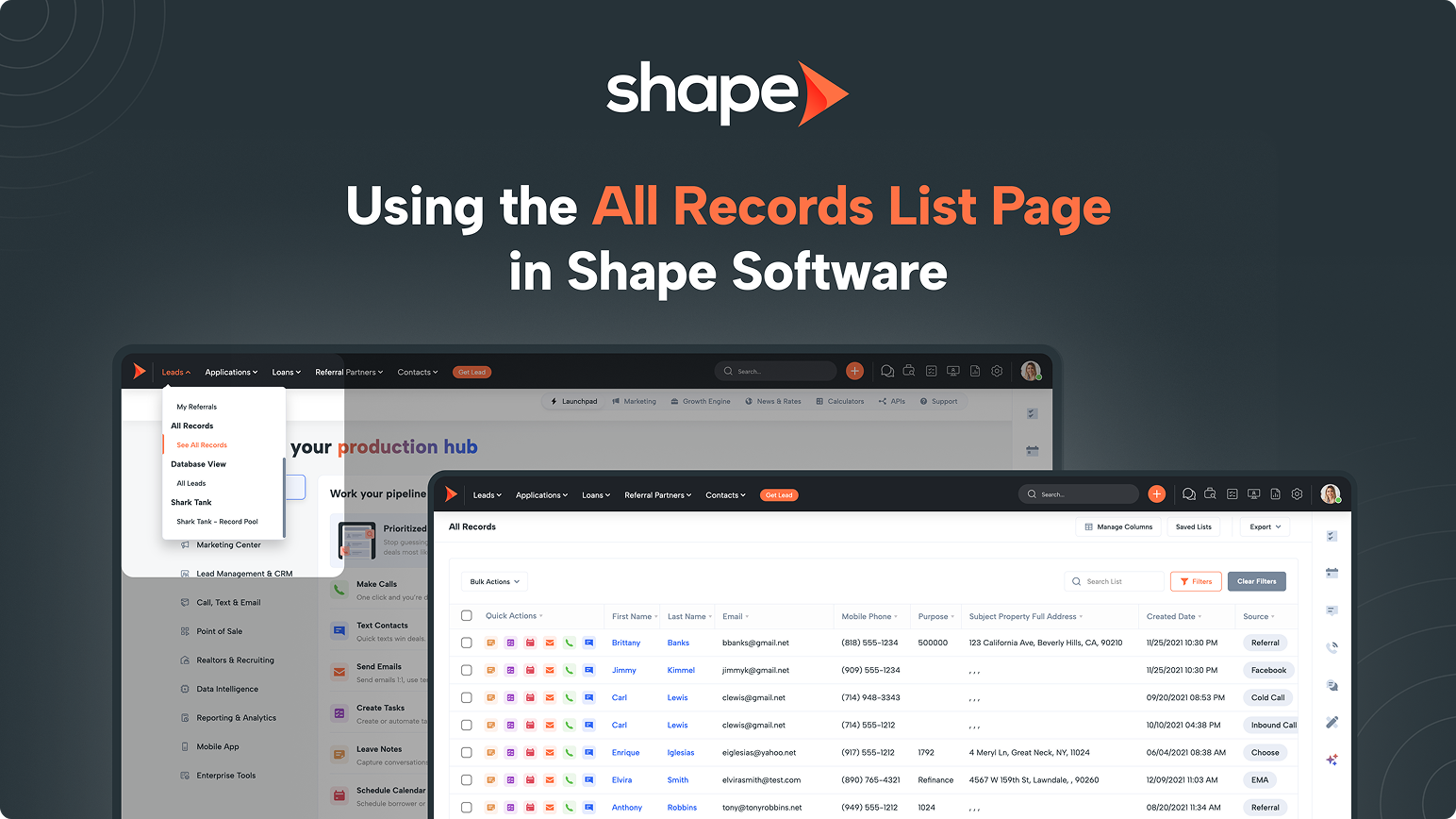
Shape logo with the headline 'Using the All Records List Page in Shape Software' over a CRM dashboard screenshot. (Informative hero)
Smiling woman with headset beside a diagram of borrower name tokens on a dark blue background (Shape tutorial).

Popular Articles